Create Double Exposure
Designs Easily
Turn Your Portraits into Cinematic Art.
Create beautiful double exposure effects with AI-powered background removal.
Upload your portrait and video to get started!
Upload Portrait
Click to select your portrait image
Upload Texture
Image or Video (mountains, ocean, city, etc.)
DISCOVER WHAT PEOPLE MADE WITH DOUBLE EXPOSURE
Stand Out with Eye-Catching
Double Exposure Designs
Featured Designs
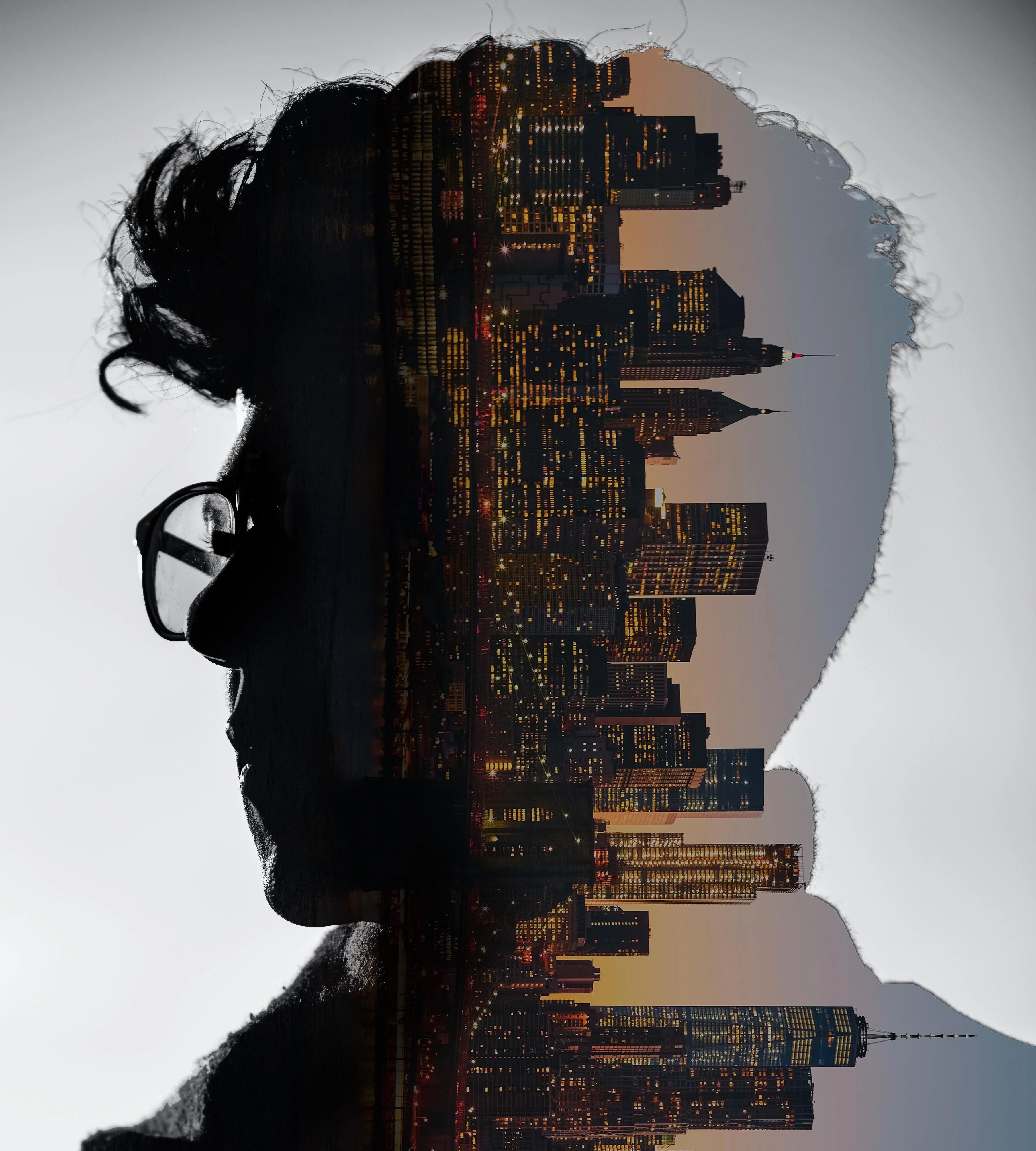
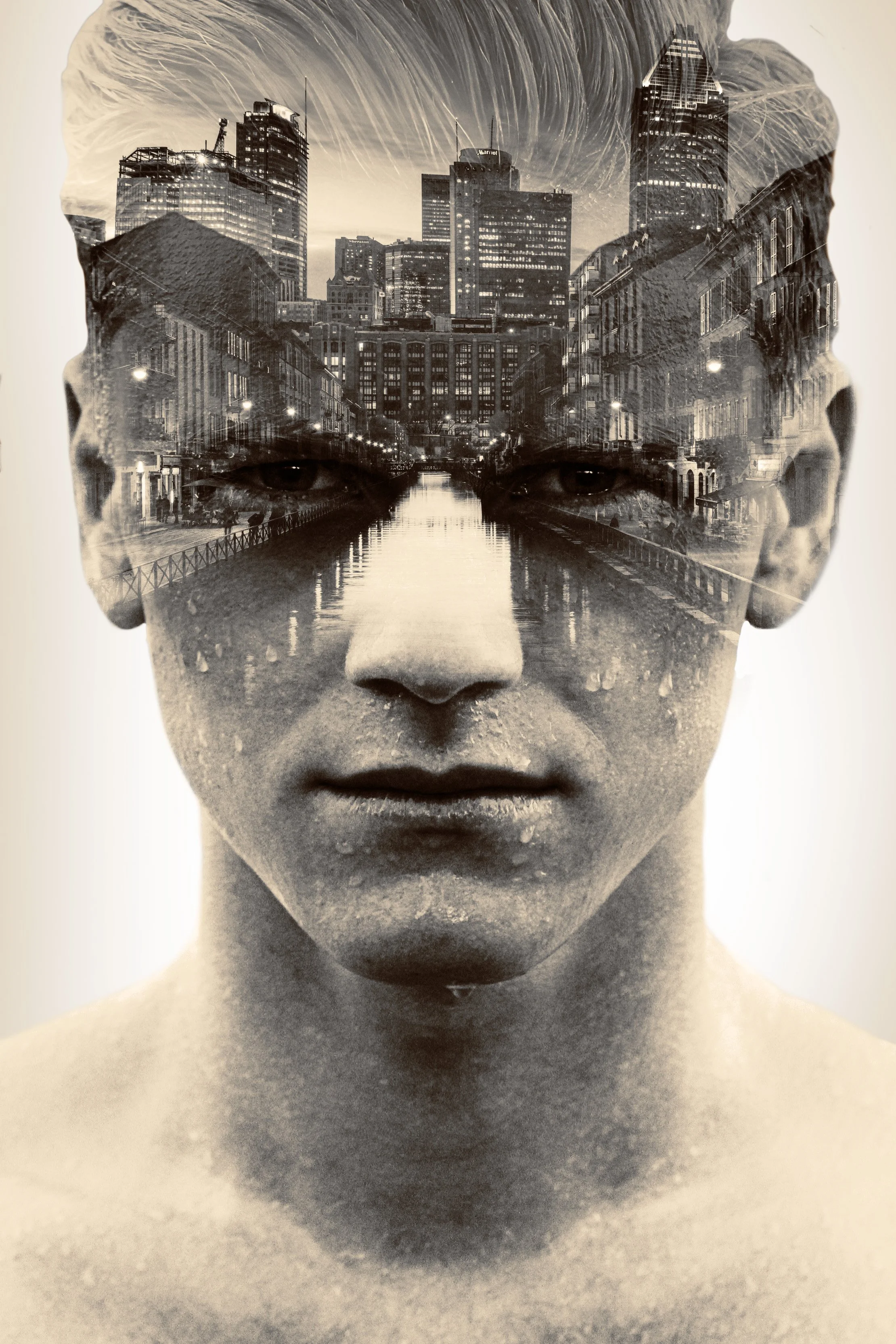
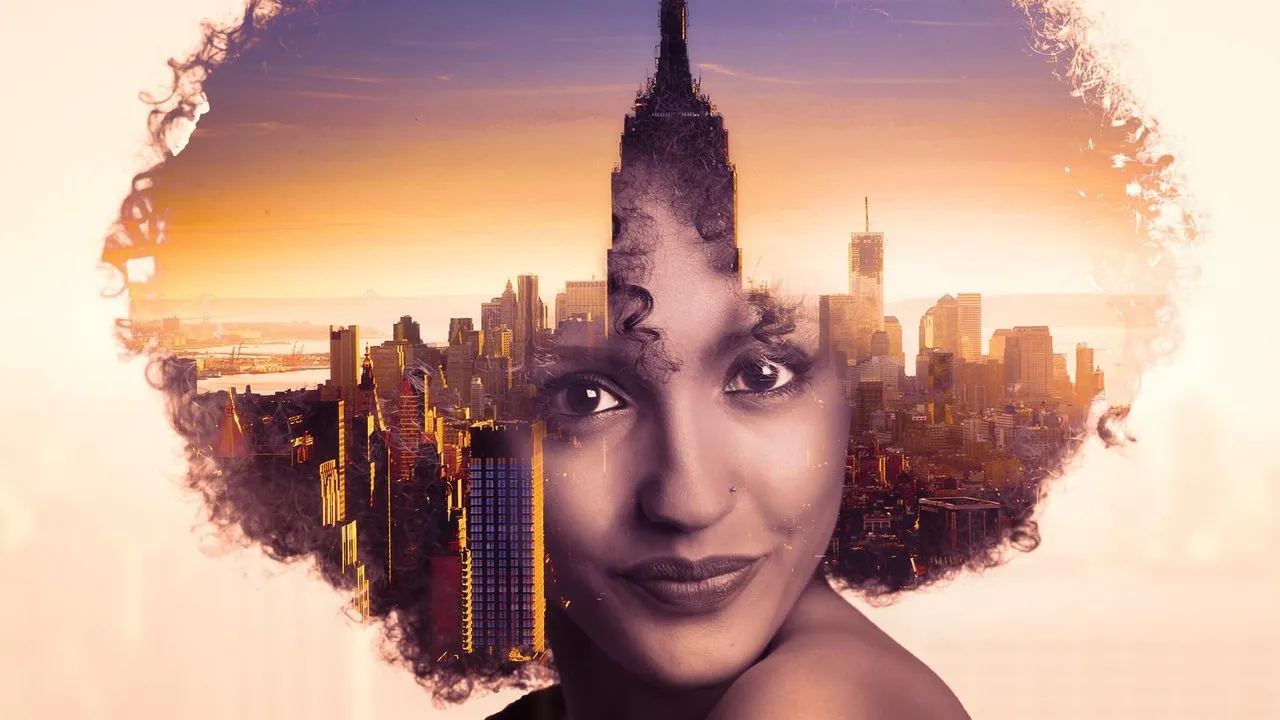
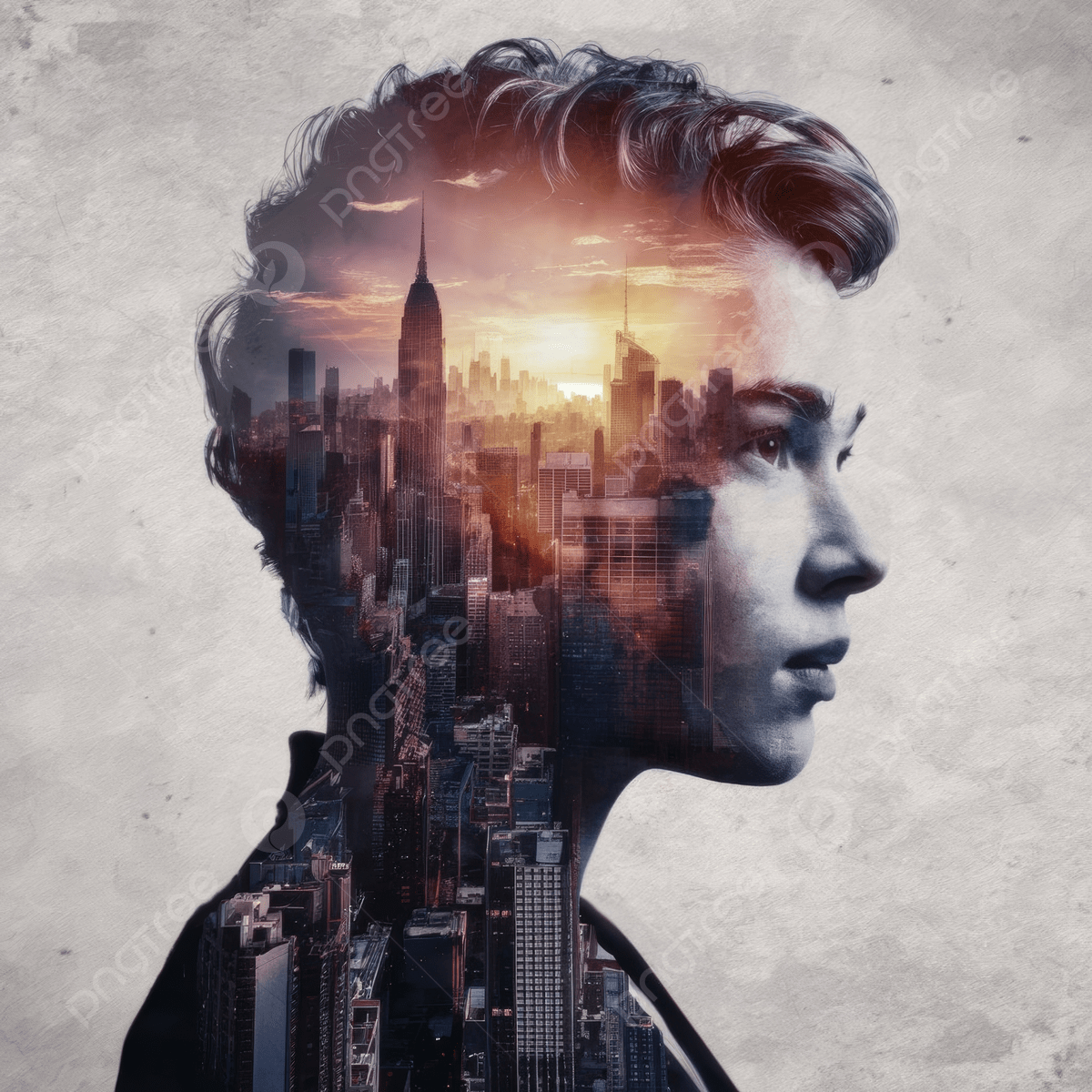
Create Your Design in 4 Simple Steps
Upload Photo
Upload your portrait image
Add Video
Select your texture video
Customize
Adjust blend and position
Download
Record and save your video
How to Create a Double Exposure Video
-
1
Upload Your Portrait: Choose a high-quality portrait photo (JPG or PNG). The AI will automatically detect and isolate the person from the background.
-
2
Add Texture: Upload a video or image (ocean waves, city skyline, mountains, etc.) that will appear inside the person's silhouette.
-
3
Customize: Adjust the blend intensity, add vignette fade, blur the background, and position the texture perfectly.
-
4
Download: For static images, click "Download Image" to save as PNG. For videos, click "Record" to capture a 5-second clip and download as WebM.
Why Choose Double Exposure?
Privacy First
All processing happens in your browser. Your photos and videos never leave your device. No servers, no uploads, no tracking.
Lightning Fast
Powered by TensorFlow.js and BodyPix AI. Get professional results in seconds without waiting for cloud processing.
Full Control
Adjust blend, fade, blur, scale, and position. Create exactly the look you want with professional-grade controls.
Frequently Asked Questions
Is Double Exposure really free?
Yes! Double Exposure is 100% free to use. No hidden costs, no subscriptions, no watermarks. Create unlimited double exposure effects.
Do I need to create an account?
No sign-up required. Simply visit the page, upload your files, and start creating. Your privacy is our priority.
What file formats are supported?
For portraits: JPG, PNG. For textures: JPG, PNG (static images) or MP4, WebM (videos). Output: PNG for images, WebM for videos.
How do I save my creation?
For static textures, click "Download Image" to save as PNG. For video textures, click "Record (5s)" to capture a clip, then "Download Video" to save as WebM.
Is my data safe?
Absolutely. All processing happens locally in your browser using JavaScript and AI models. Your files never leave your device or get uploaded to any server.
What browsers are supported?
Works best in modern browsers: Chrome, Firefox, Safari, and Edge. Make sure JavaScript is enabled for the AI features to work.